
Your WhatsApp chats become a record of the moments that matter: conversations with family, laughs with friends, and the photos and videos you couldn’t stop sharing. To help you make the most of all of it, we’re rolling out new ways to make WhatsApp even easier to use — whether you’re staying organized, juggling work and personal life, or getting more out of every chat.
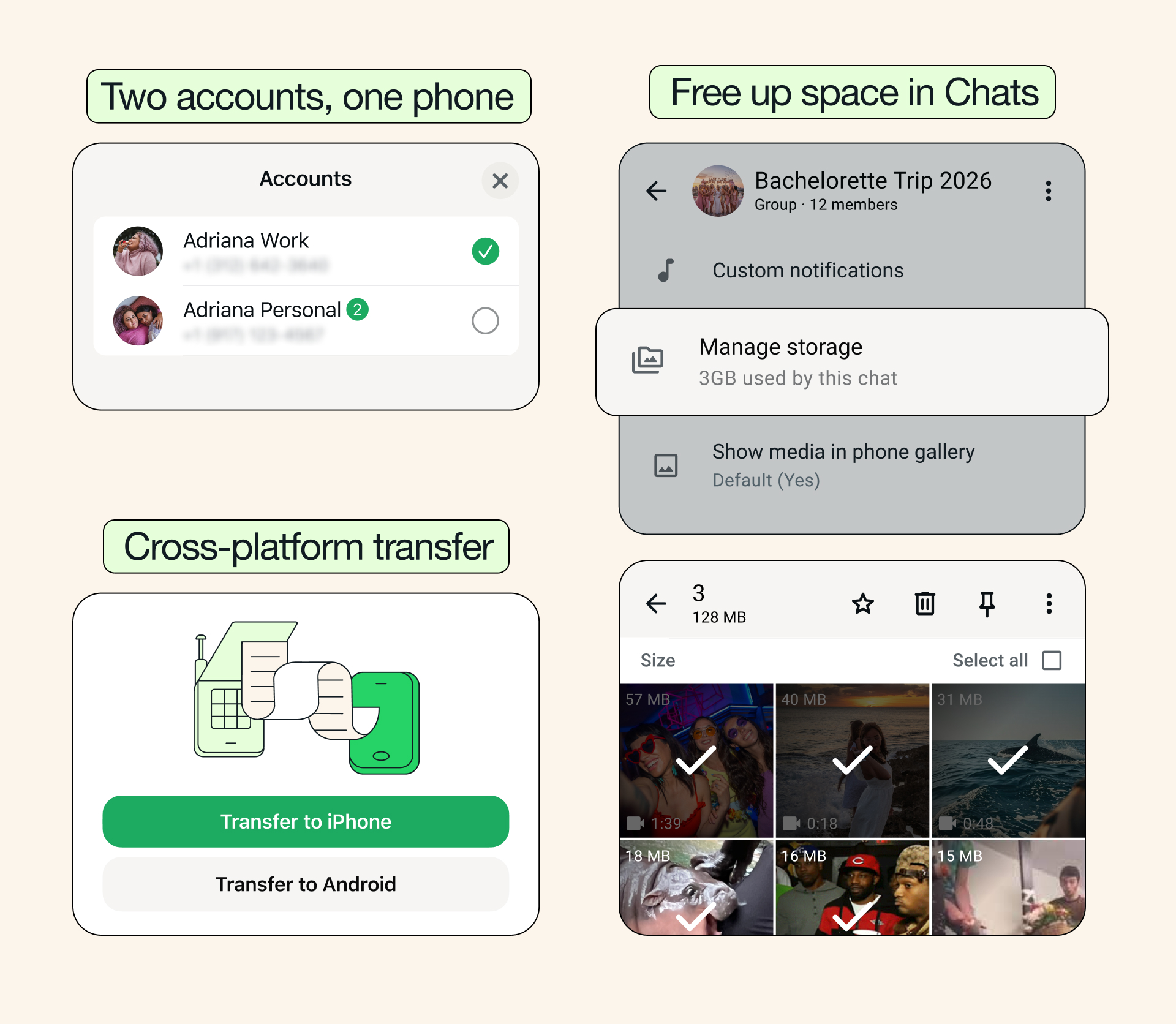
Free up space, keep what matters: As your chats fill up, so can the clutter. Now, you can find and delete large files directly within any chat by tapping the chat name and selecting Manage Storage, so you can clear what you don’t need without deleting your entire conversation. You can also choose to clear just media files when clearing a chat, keeping your chat history intact.
Cross-platform chat transfer made easy: Changing your phone shouldn’t be complicated, and WhatsApp’s chat transfer feature now supports moving your chat history from iOS to Android, in addition to within the same platform. Now, with just a few taps, your conversations, photos, and videos easily come with you no matter what device you’re using.
Two accounts, one phone — now on iOS: You can now have two WhatsApp accounts logged in at the same time on iOS — just like on Android. There’s no need to carry two phones to keep work and personal chats separate. You’ll always know which account you’re in because your profile picture will now be visible in the bottom tab.
Stickers that match your mood: Stickers can bring bigger, bolder expressions to your chats, and now WhatsApp is making it easier to use them by suggesting them as you type emojis. With just a tap, you can swap an emoji for a sticker that captures exactly how you’re feeling.
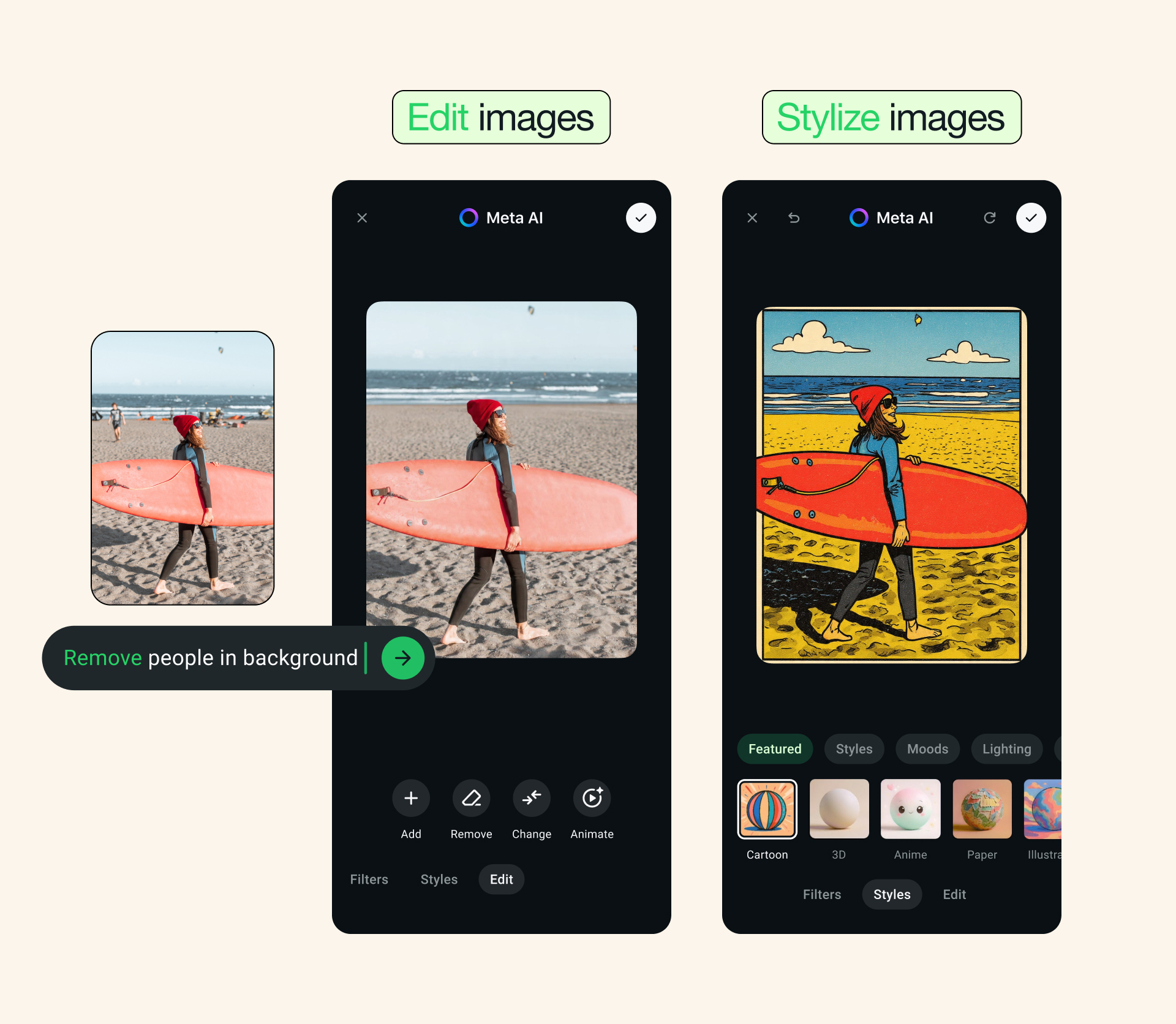
Photo touch-ups with Meta AI: You can now use Meta AI to touch up photos directly in your chat before sending them, making it easy to remove something distracting, swap in a new background, or apply a fun style. Meta AI features may not be available to all users.
AI Writing Help is even more useful: Writing Help can now draft a suggested response based on your conversation, so you can get your message just right — all while keeping your chats completely private.
These features are rolling out now and will be available to everyone soon. We hope they make your WhatsApp even simpler to use.


