
Today at the House of Instagram in Mumbai, the annual creator event by Meta, we announced Instagram for TV will soon be available in India. Instagram for TV brings content from your favorite creators to the big screen in your home so you can enjoy watching them with friends. We’ve heard from our community that watching creator content together is more fun, and this experience will provide that to people in India.
The app will be available on supported Apple TV, Fire TV, and Google TV devices in a few days from now.
Getting Started
Start by installing the Instagram app on your Apple TV, Fire TV or Google TV and signing in with your account. You can also open it directly from the Settings bookmark in the Instagram mobile app. You can add up to five accounts, so everyone in your home can enjoy a personalized way to watch Reels. If you want, you can even create a separate account just for Instagram on TV in a few simple steps.
Built Around How People Actually Watch
We’ve heard from our community that Instagram for TV is often a shared experience. Friends and family watch together, pass the remote, and swap recommendations in real time. That’s why the features are designed to make discovering, sharing, and enjoying Instagram easier with the people around you.
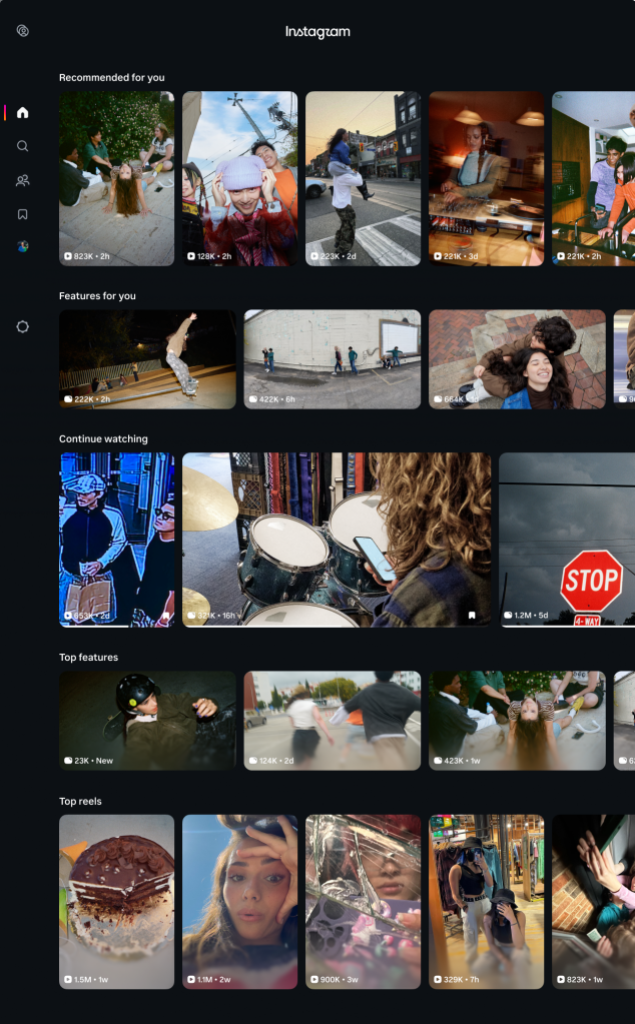
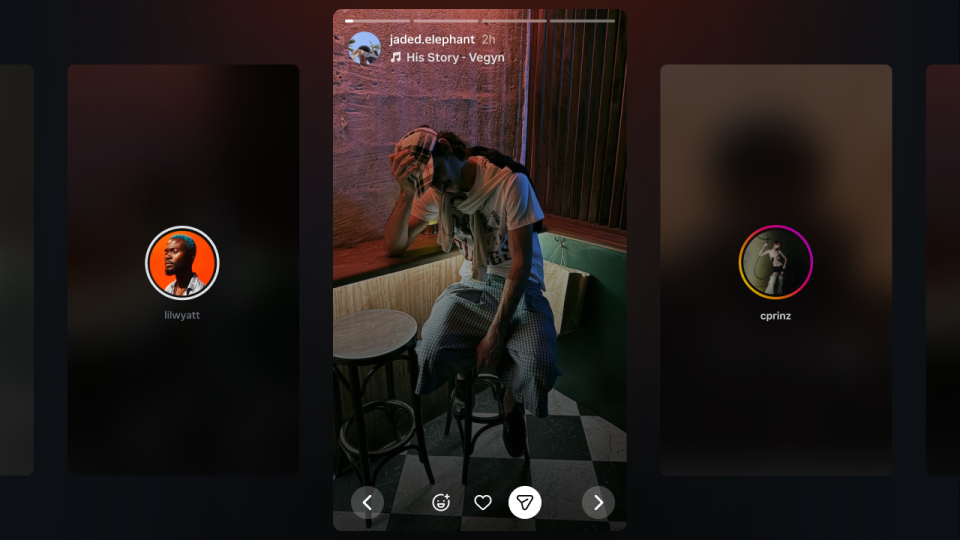
- The experience in India is centered on Reels and Stories, including horizontal Reels that can play in widescreen. You can also browse photos and carousels on profiles.
- Browse Reels organized into channels, explore Stories and profiles, or use Search to find creators and content. Channels help you discover videos based on interests, popular content and accounts you follow.
- Reels play automatically so you can watch without scrolling to each video. Use your TV remote to navigate playback. Auto-scroll controls may vary by app version.
- Cast Reels from your phone. Connect your phone and TV to the same Wi-Fi network, sign in to Instagram for TV, then use the cast option in Instagram on your phone to select your TV and send a Reel. Availability can vary by device and rollout.
- The Friends tab brings content from people you follow and videos popular with friends into the TV experience. Instead of hunting across the home page for Stories, and what your friends are watching. You now have a single destination to catch up on what their friends are actually posting, sharing, and watching.
- You can browse an account’s available Reels, photos and carousels, along with profile information such as its bio and follower count. What you can see depends on the account’s privacy settings.
Safety and Content Standards
Instagram for TV is built for shared viewing, so we apply content standards suitable for a broad audience. In this test, Reels generally follow the 13+ Content Ratings system we recently introduced on the mobile app.
For teens, Instagram for TV is intended to reflect the same general safeguards available on the Instagram mobile app. This includes limiting access to content, comments and profiles that may be unsuitable for people under 18. Time spent on Instagram for TV contributes to a Teen Account’s overall usage limits, and teens may receive the same reminders about approaching or reaching those limits or sleep mode.


