Update on September 15, 2026 at 9:30AM PT :
Starting today, parental supervision on Threads is rolling out globally.
Originally published on July 21, 2026 at 9:00AM PT:
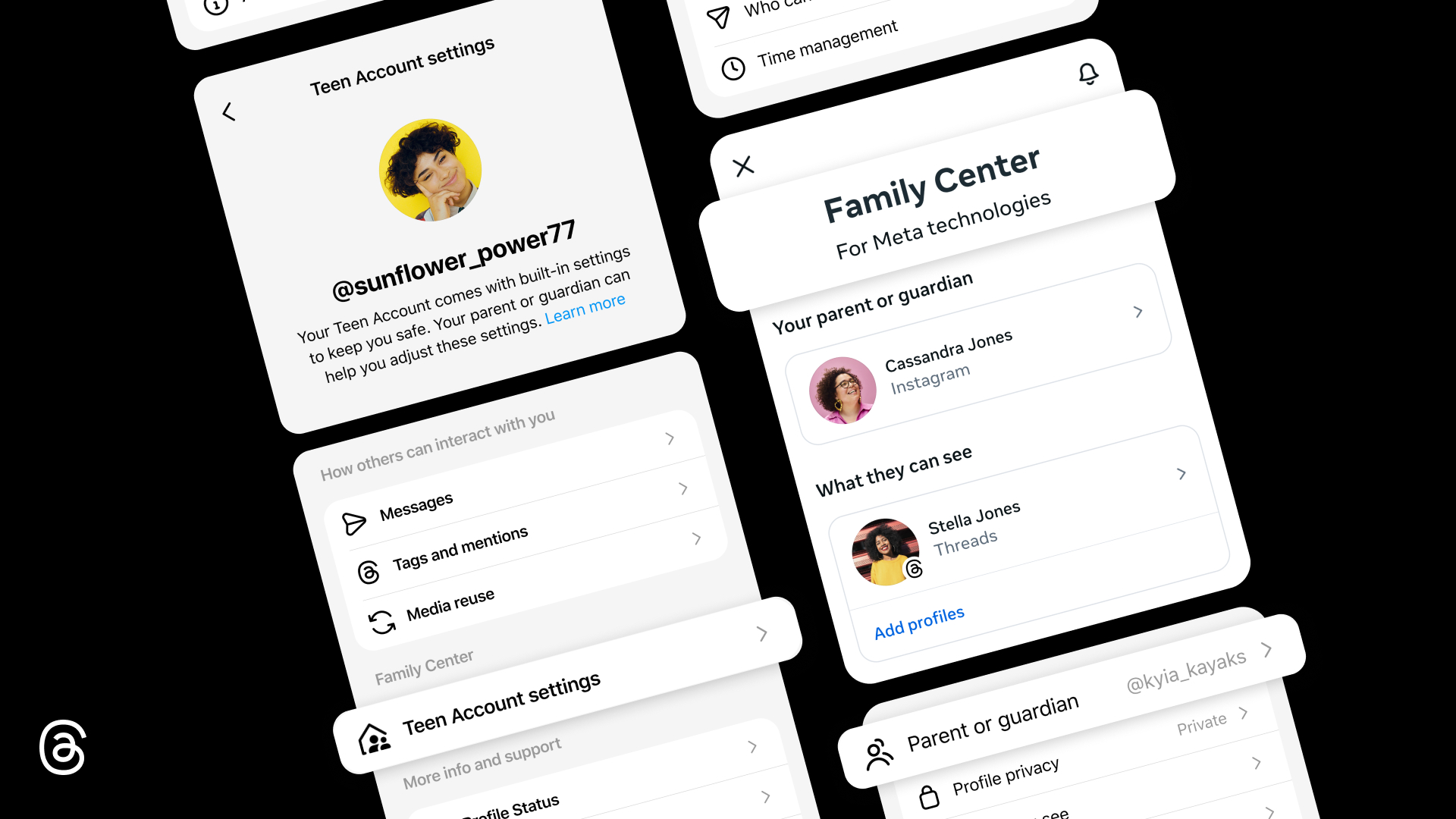
As part of our ongoing commitment to providing parents with helpful tools to support their teens across Meta’s apps, we’re bringing parental supervision to Threads. Starting next week in the US, parents and guardians in Family Center will have visibility and controls on Threads, as they do across our other apps.
Teen Accounts on Threads have automatic, built-in protections like private accounts and limits on the content teens see. Beginning next week, parents can decide if teens under 16 can change any of these settings to be less strict, and will have access to new insights and controls.
How Supervision Works on Threads
Parental Supervision offers a set of tools and insights that parents and guardians can use to help support their teen on Threads. When supervision is set up, parents and guardians can:
- See time spent: View how much time their teen has spent on Threads each day for the past week, including their average daily time spent for the week.
- Set time limits: Set a daily time limit for how long their teen can use Threads and block access during select days and hours. If Threads is used on multiple devices, time limits apply to the total time spent using Threads.
- Adjust sleep mode: Parents can limit or block their teen’s access to Threads at night, with notifications muted and auto-replies on by default from 10 PM to 7 AM.
- Manage tagging: Control who can tag their teen in posts.
- Manage privacy and content preferences: Manage and approve some of their teen’s privacy settings and sensitive content preferences.
To set up supervision on Threads, visit familycenter.meta.com/supervision. We’ll continue expanding our supervision tools to make it easier for parents to find controls, get meaningful visibility, and support their teen’s experience across our apps — all in one place.


